New — Streamly is now on Apple TV
For iPhone · iPad · Apple TV · Mac

Bring your IPTV.
Beautifully played.

Streamly is a stunning media player for the playlists you already own. M3U or Xtream Codes — plug in, play, enjoy.

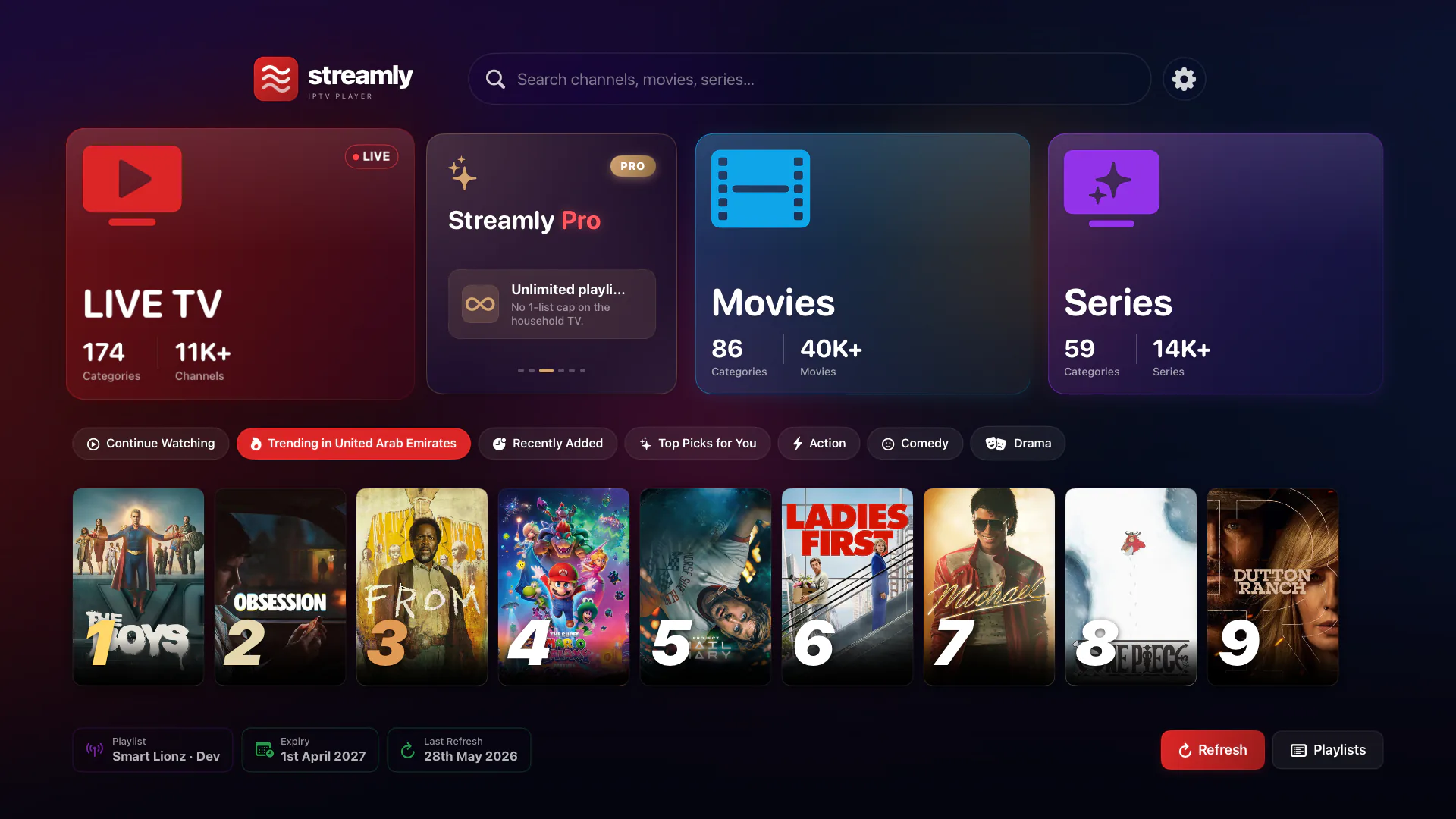
Streamly home screen on Apple TV

Streamly is a player, not a service. You bring the channels (M3U, Xtream Codes). We bring a beautifully crafted UI for iPhone, iPad, Apple TV, and Mac. Nothing is hosted on our servers; nothing is curated for you.

Native everywhere

Built specifically for every Apple device.

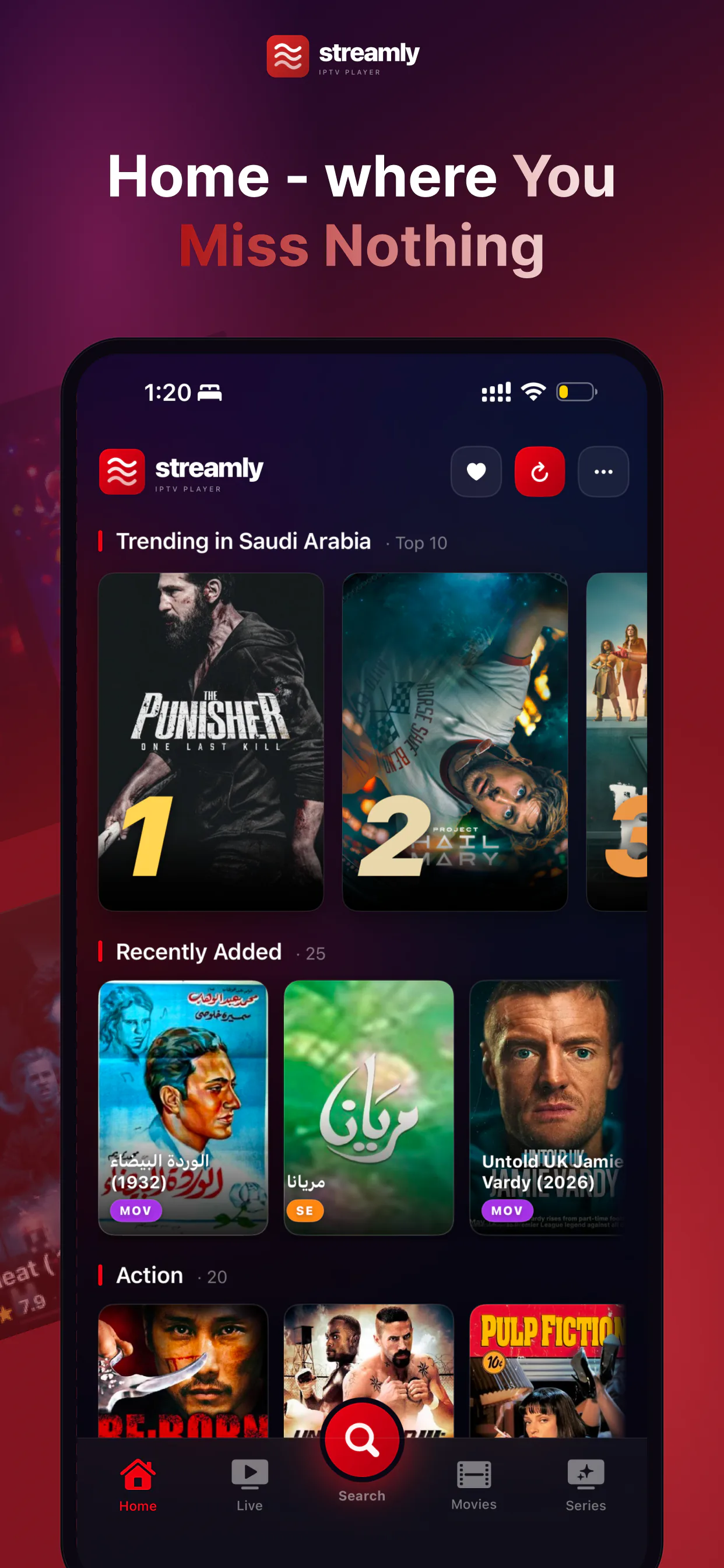
Same brand. Same playlist. Same Continue Watching. But the UI is tuned to the screen — focus-engine first on Apple TV, gesture-friendly on iPhone, mouse-and-keyboard precise on Mac.

Apple TV
iPhone
Live channels

Live TV the way it should be.

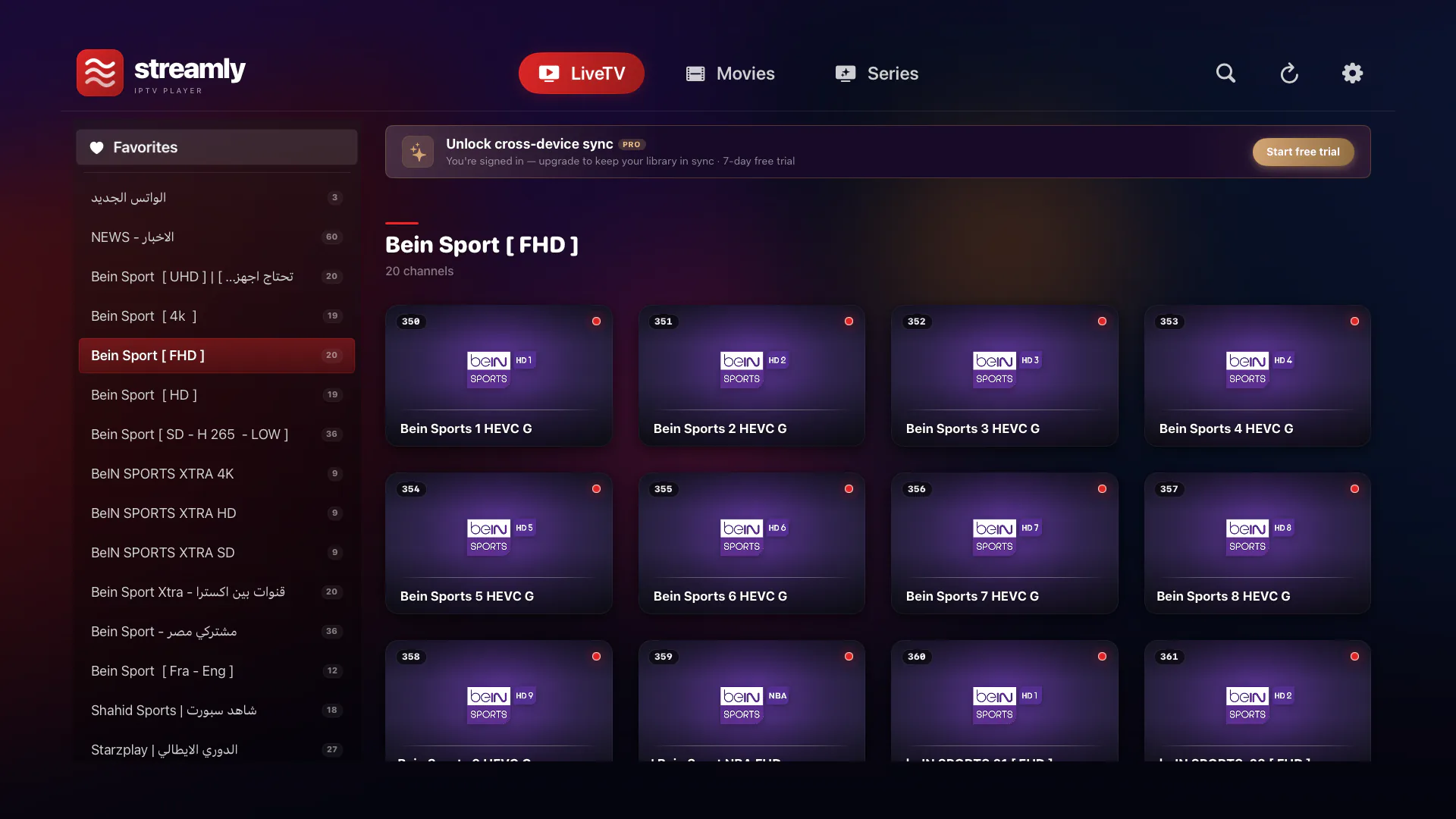
A cinematic broadcast-style grid. Per-channel vibrant glow. Pulsing red LIVE indicator. Channel logos auto-sized for any aspect ratio. On Apple TV: focus-engine native, lean-back ready.

  • Browse by category from a focus-friendly sidebar
  • Favorite the channels you love (gated to 6 on Free, unlimited on Pro)
  • "Recently Watched" rail at the top of the grid
  • Tap to play. No detail page — straight to the stream.
Streamly live channels on Apple TV
Movies

Your library, beautifully presented.

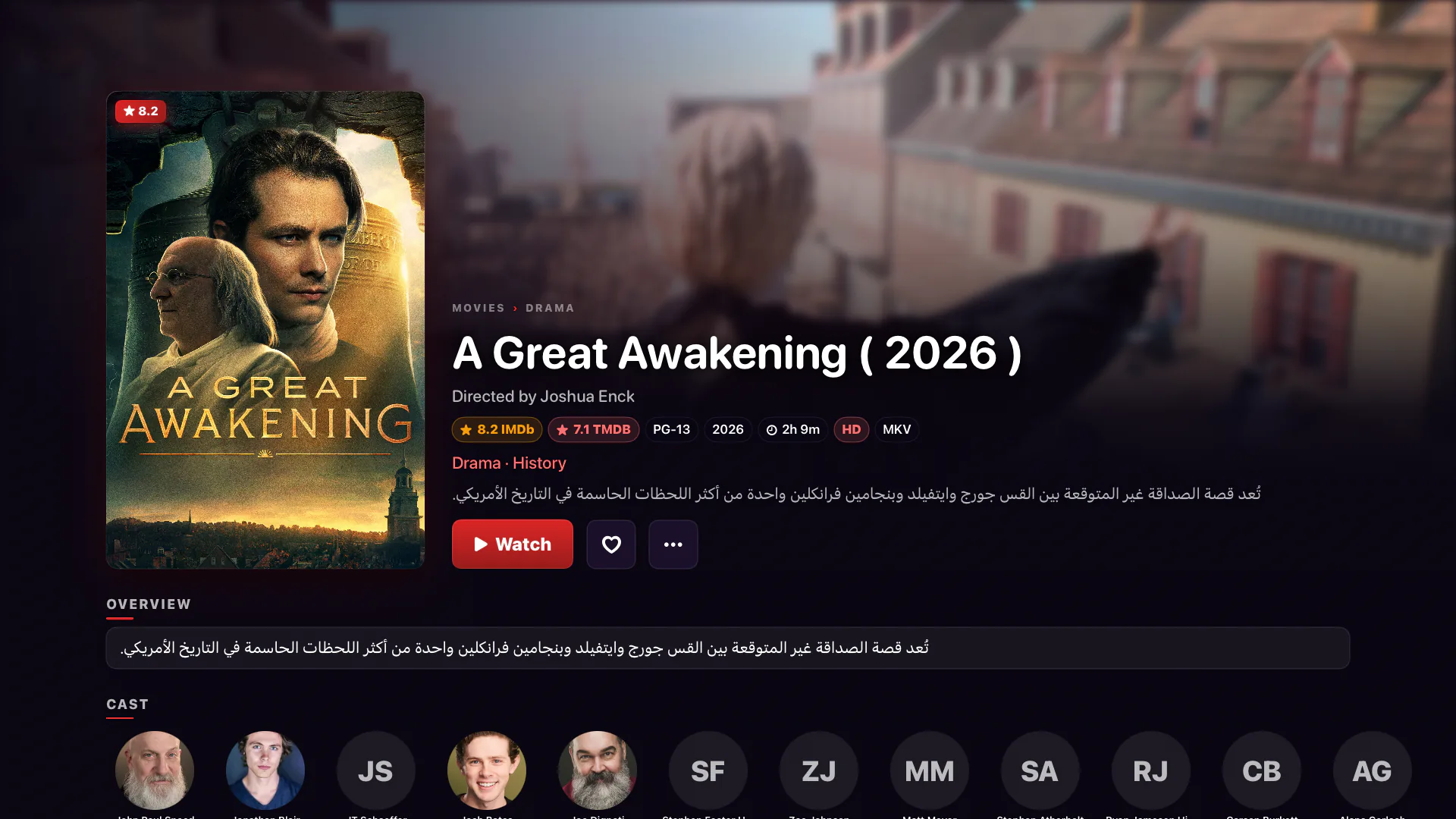
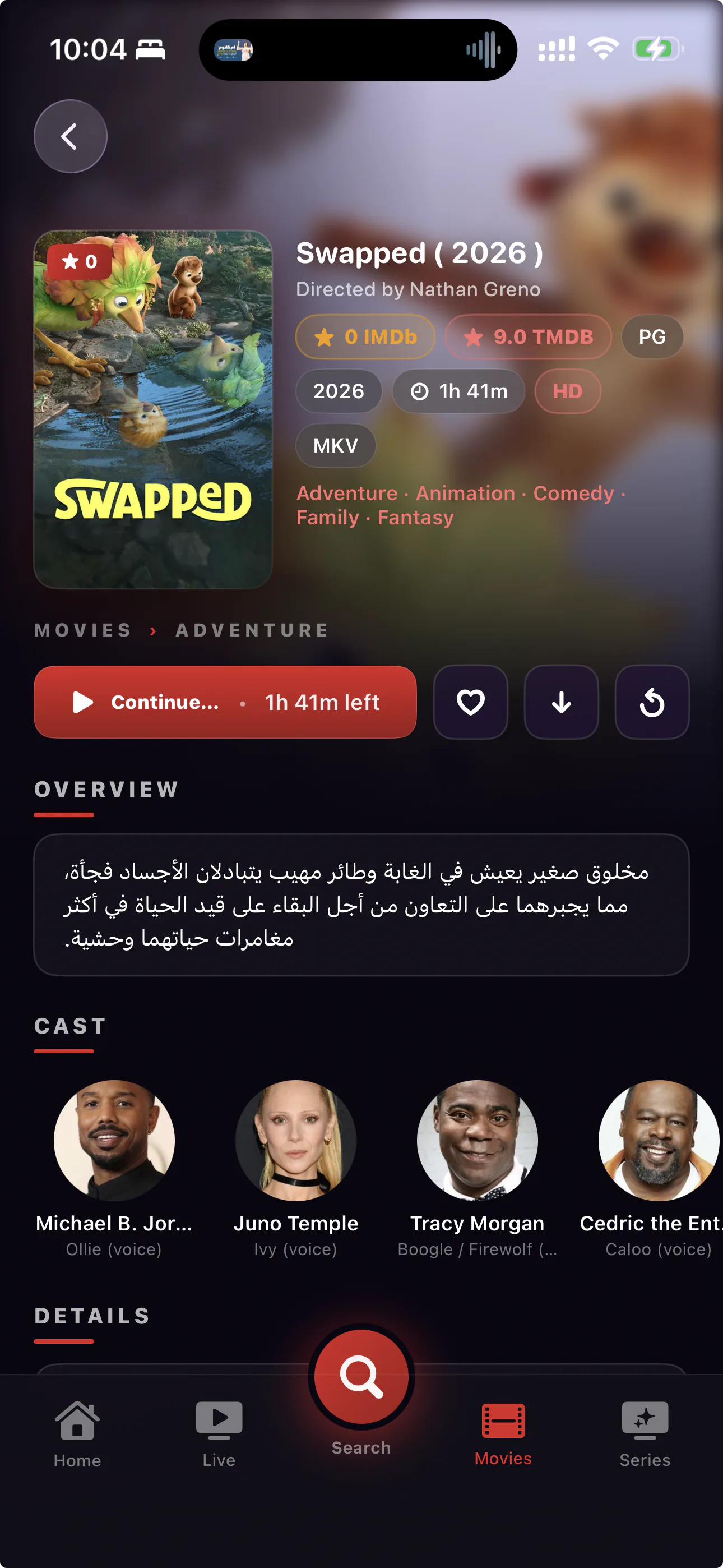
Cinematic hero artwork. Cast and crew. Plot synopsis. TMDB-powered metadata wraps your raw playlist in a presentation that feels like a streaming service.

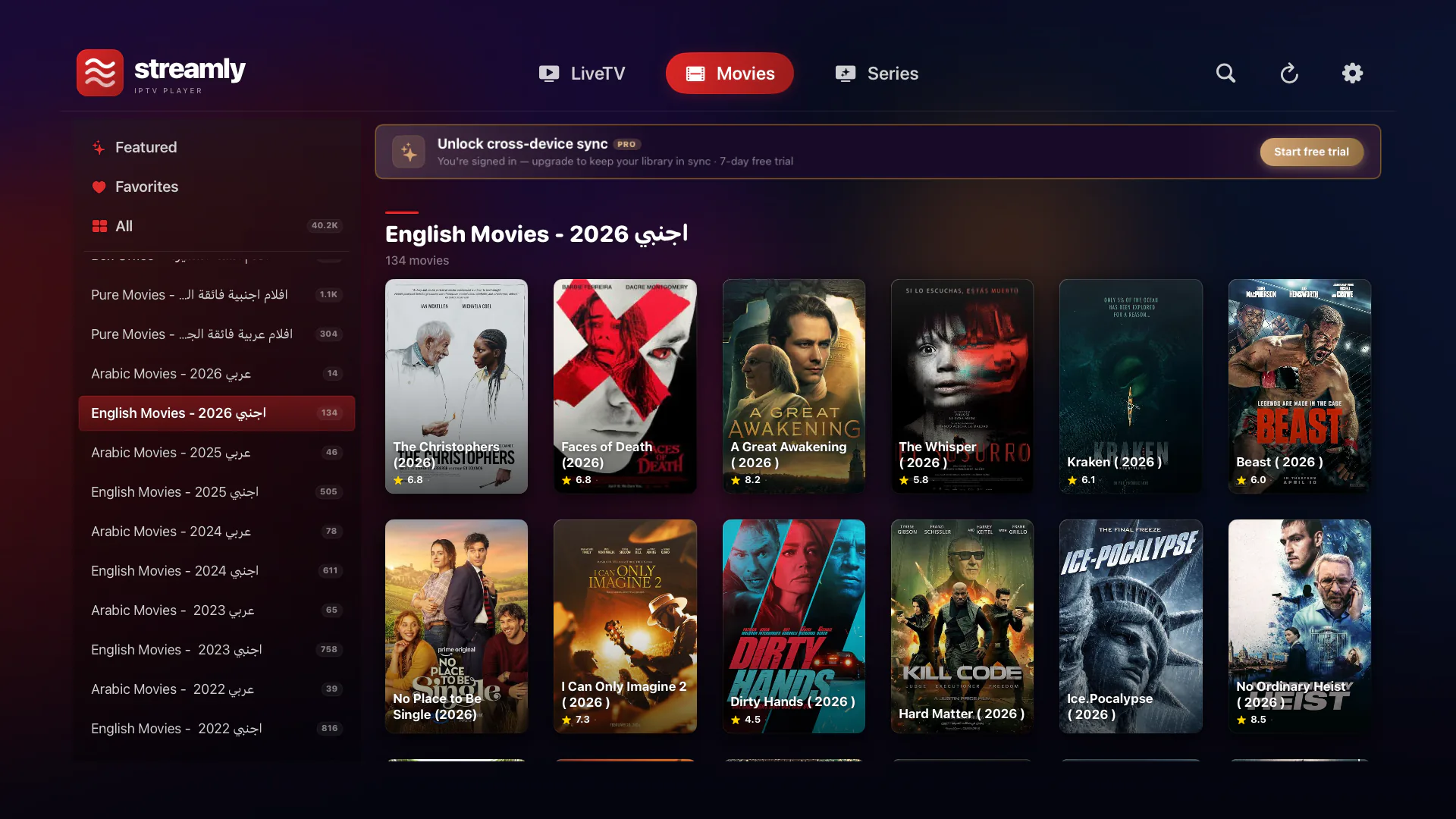
  • 2:3 poster grid with focus halo on Apple TV
  • Continue Watching rail above the category grid
  • Tap any poster for full TMDB-enriched details
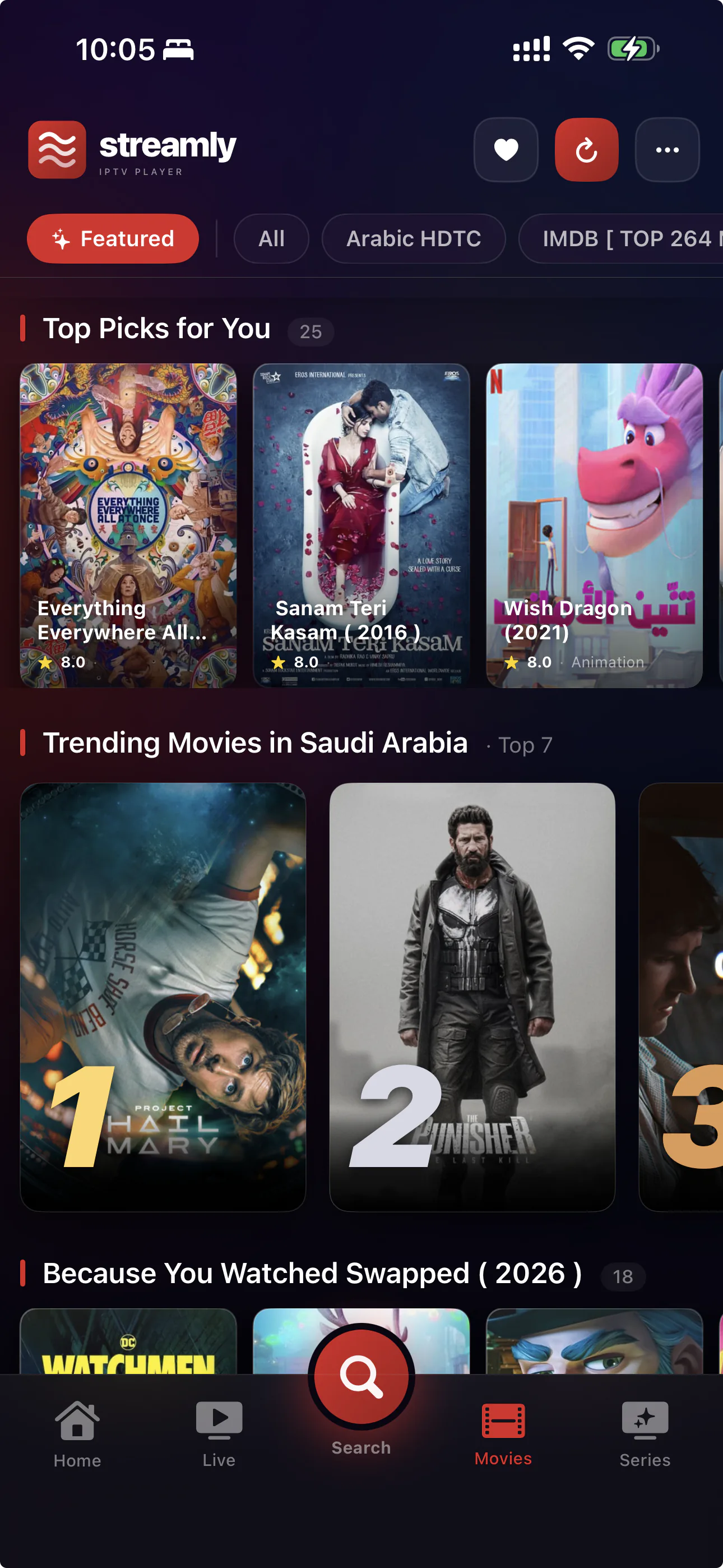
  • Featured page: Top Picks · Trending in Your Country · Best in Genre
Streamly movie details on Apple TV
Series

Series done the way Apple TV+ does it.

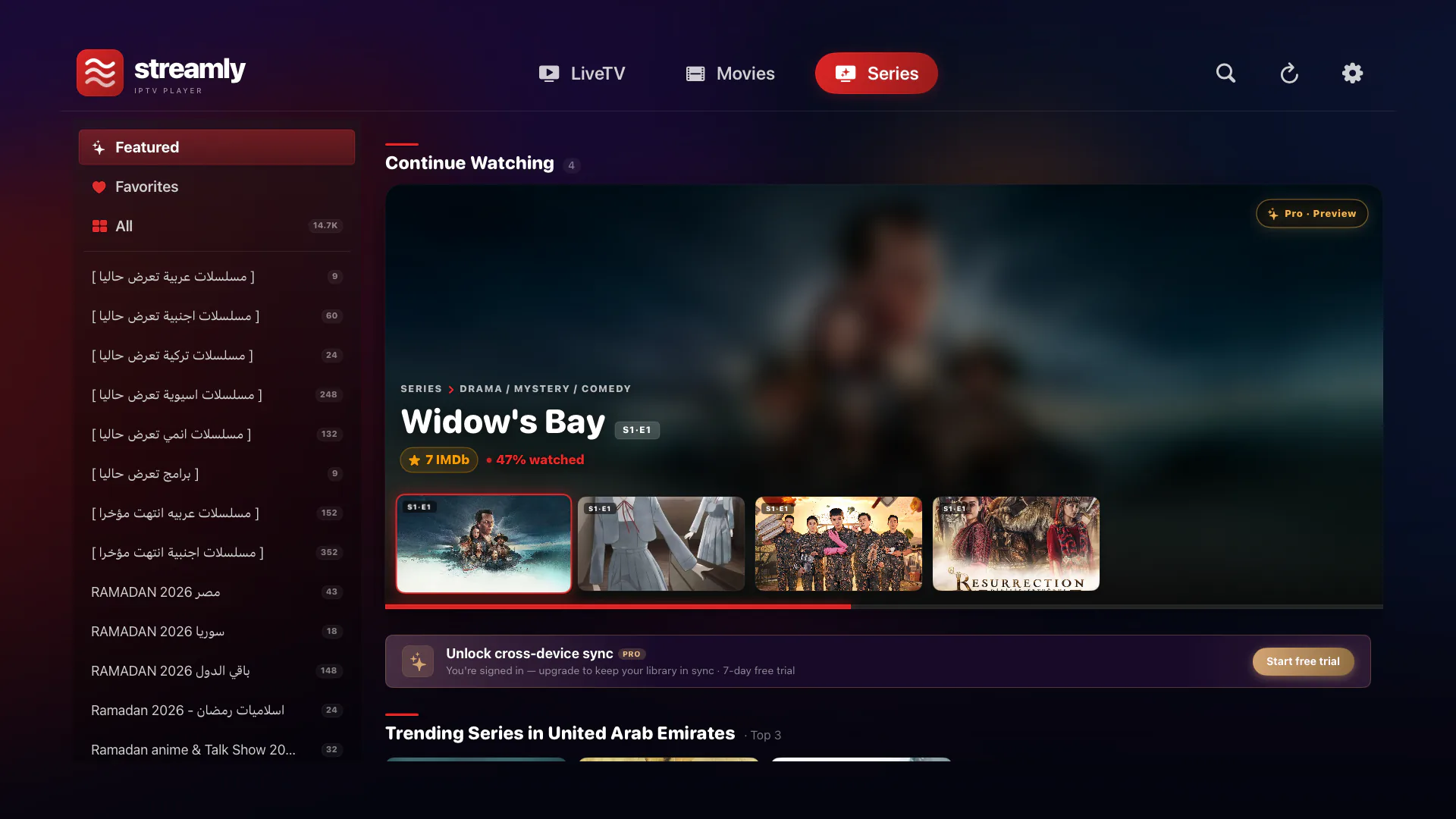
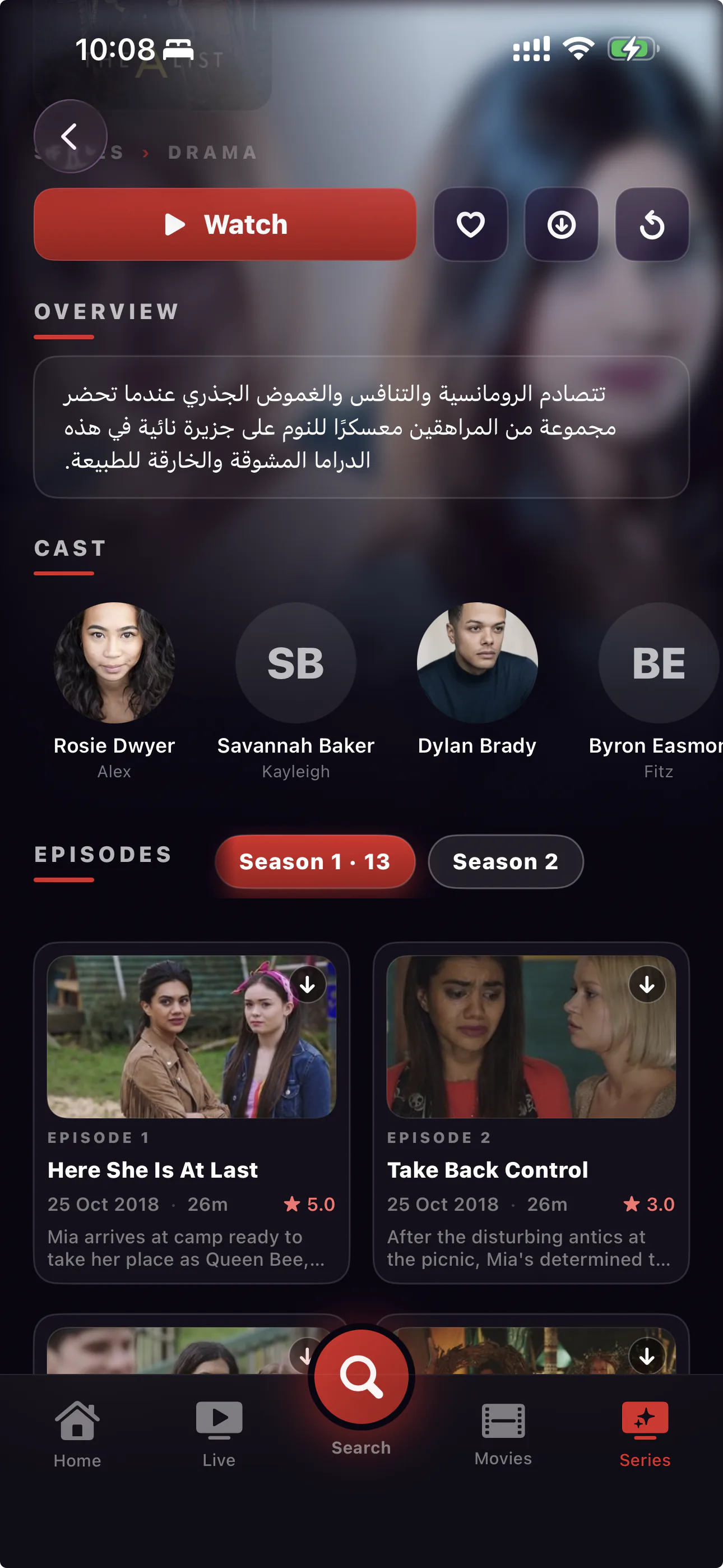
Episode stills, watch progress, auto-advance to the next episode. Pull the season picker. Resume from any device.

  • TMDB episode stills, air dates, ratings, synopsis
  • Watched ✓ badge on completed episodes
  • Red progress arc on episodes you're mid-way through
  • "Up Next" countdown card 30 seconds before each episode ends
Streamly series Continue Watching on Apple TV
Search

Find anything. Even faster with your voice.

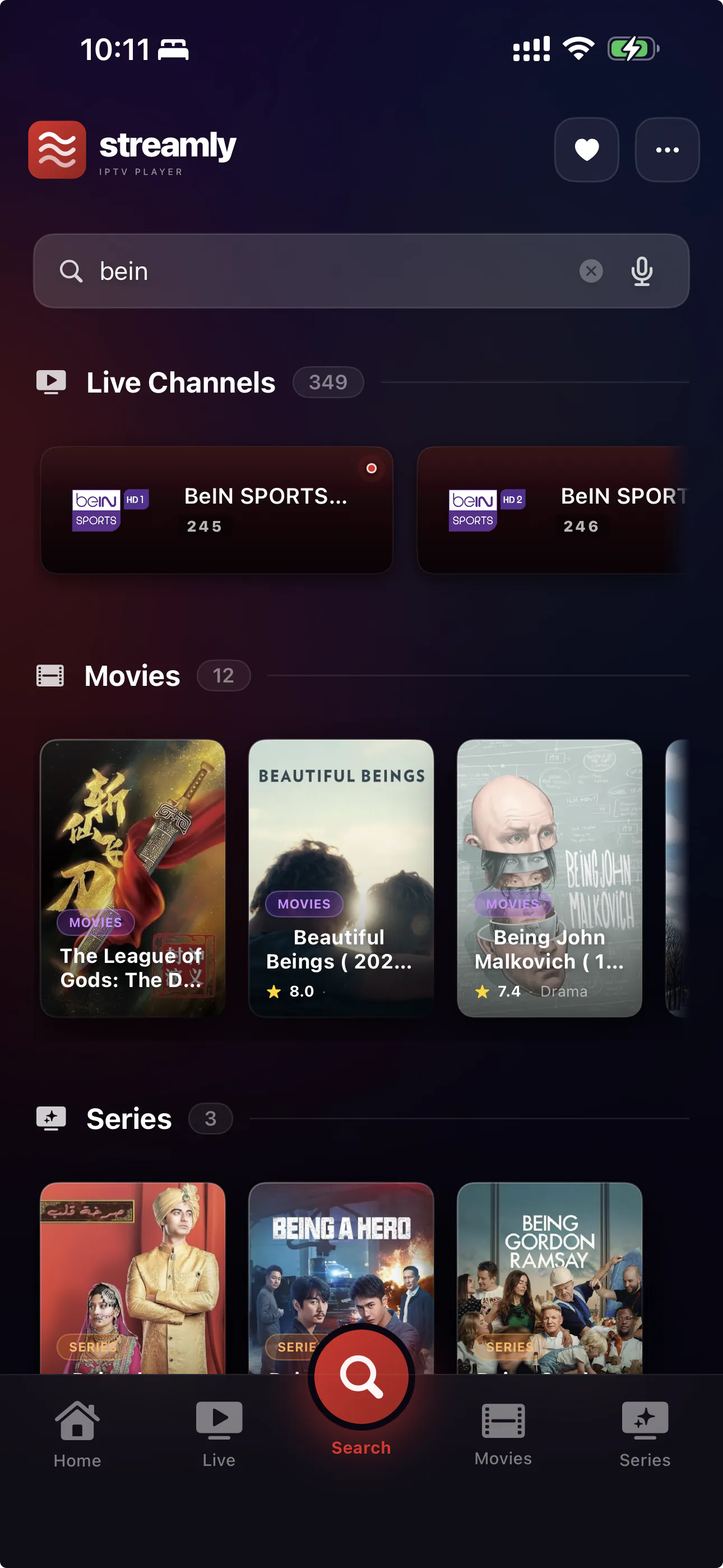
Instant fuzzy search across Live, Movies, and Series. Voice-driven on Apple TV via Siri. No tedious on-screen keyboard.

  • Single search field, results sectioned by content type
  • Searches title, cast, and overview
  • Voice search on Apple TV (built into the Search tab)
  • Sub-50ms results across a 30K-title catalog
Streamly advanced search
Recommendations

Smart picks, learned from your taste.

The more you watch, the better Streamly knows what you'll love. Personalized rails built from your local watch history — no data leaves your device unless you sign in for Pro sync.

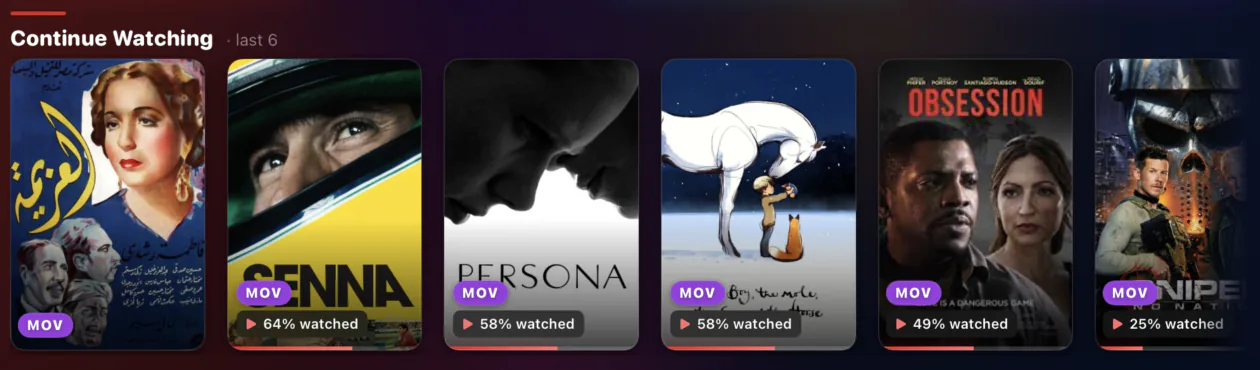
  • Continue Watching — pick up exactly where you left off
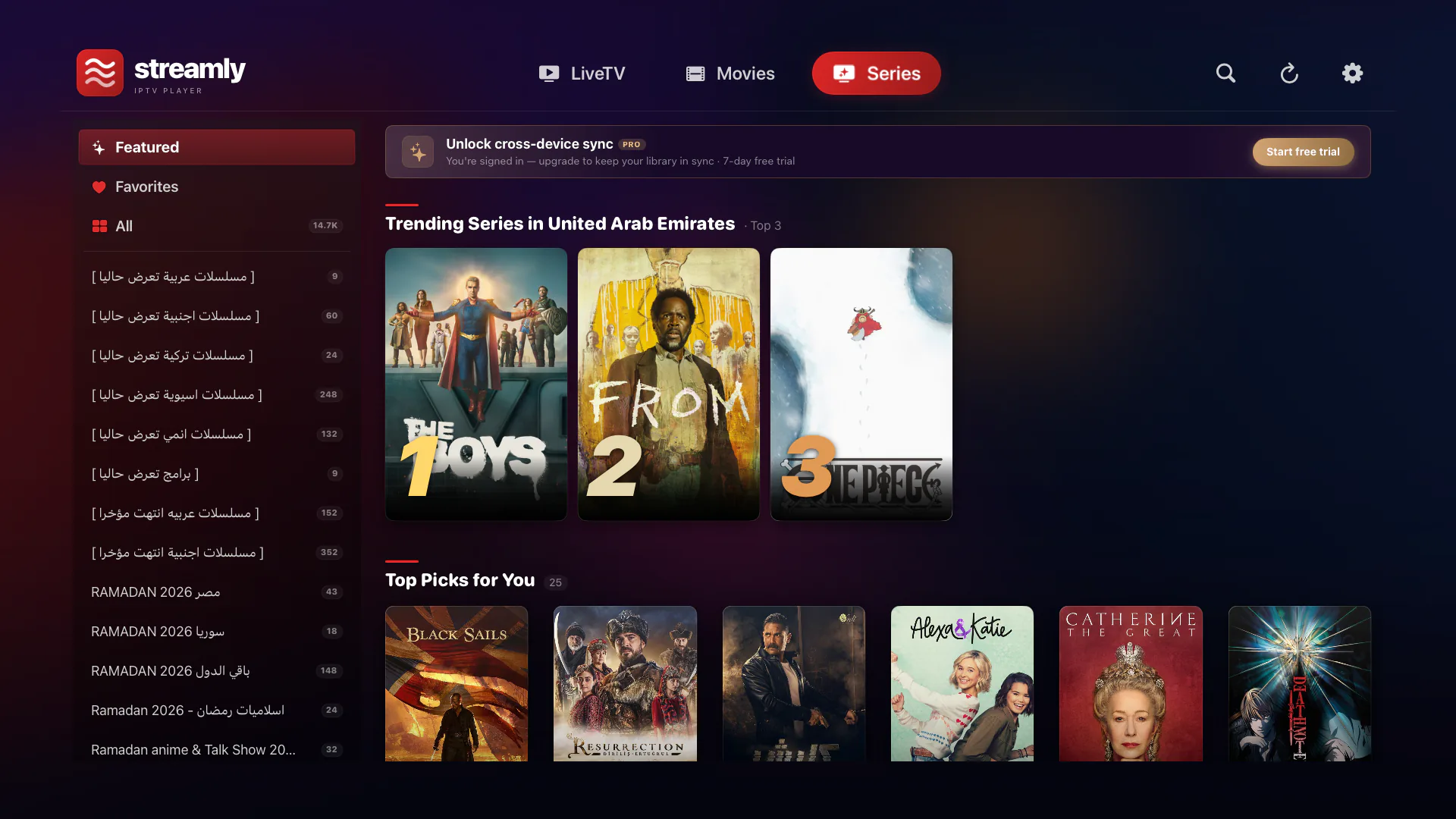
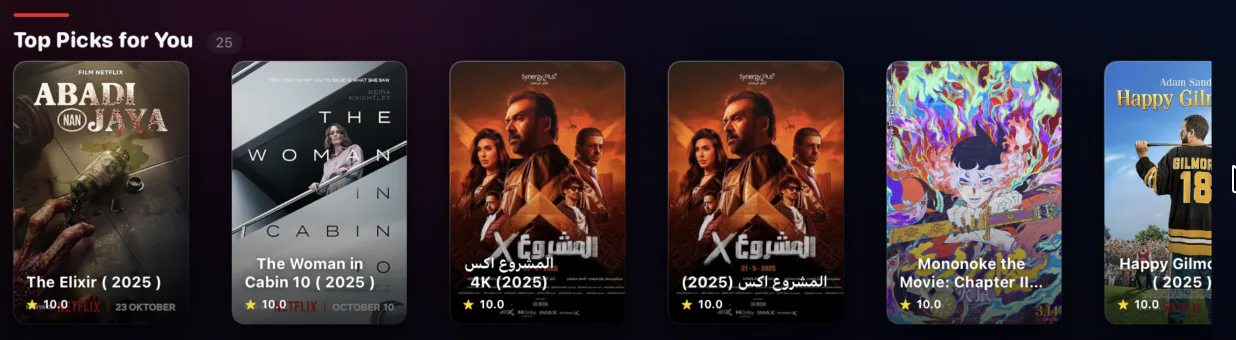
  • Top Picks for You — algorithm-driven from your watch persona
  • Trending in Your Country — refreshed daily via TMDB
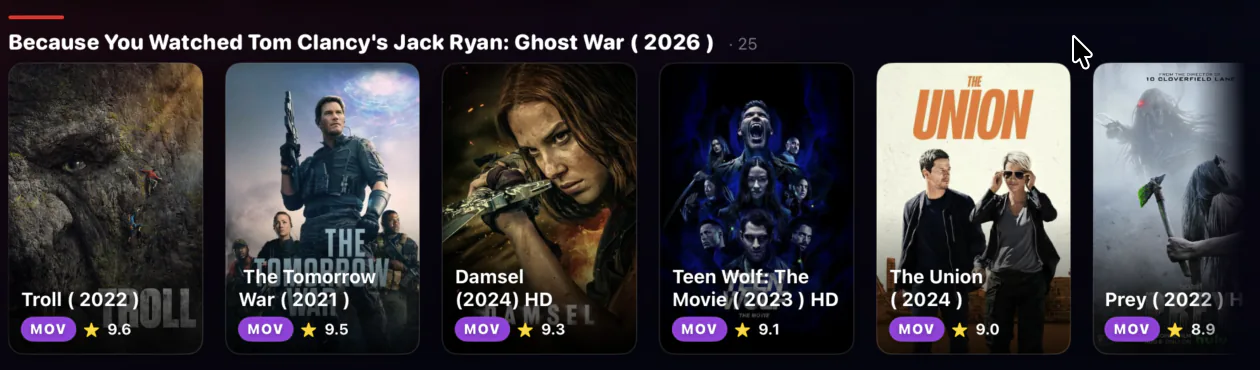
  • Because You Watched — instant tie-ins from your history
Continue Watching rail Top Picks for You rail Trending in your country rail Because You Watched rail
Downloads

Take it offline. Watch anywhere.

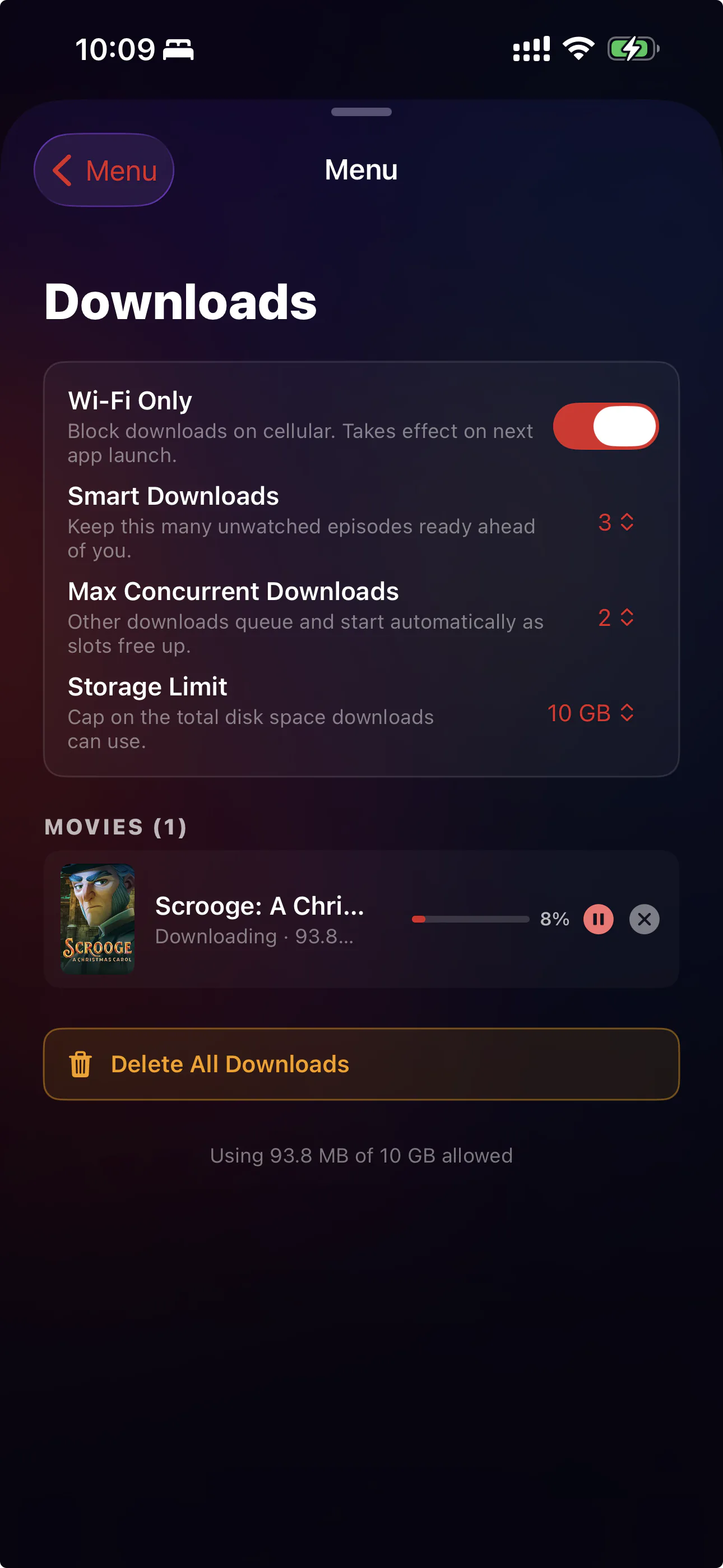
Save movies and episodes for the plane, the car, the cabin. Streamly's smart downloader manages your storage, queues by Wi-Fi, and keeps you a few episodes ahead automatically.

  • Wi-Fi only by default — never blow through your cellular plan by accident
  • Smart Downloads — keeps a configurable number of unwatched episodes ready
  • Storage cap — set a hard ceiling (default 10 GB), oldest watched item evicts first
  • Concurrent downloads — tune how many run in parallel based on your connection
Streamly Downloads — download and watch offline
Playlists

Bring any IPTV. In two taps.

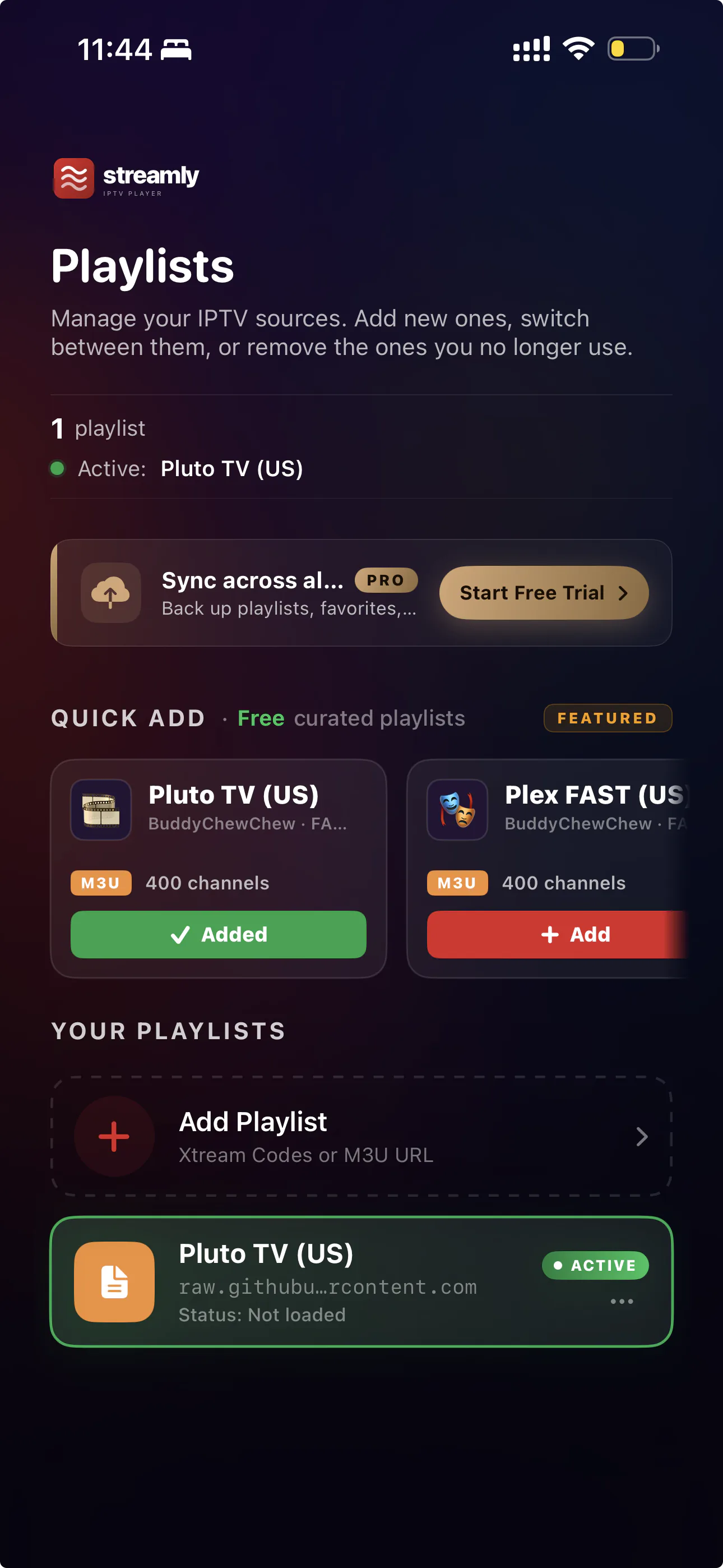
Paste an M3U URL or Xtream Codes credentials. Streamly parses, organizes, and remembers. Want to try Streamly first? Quick Add ships with public free-to-air channel lists you can activate in a single tap.

  • M3U / M3U8 URL import with one-time parse
  • Xtream Codes username + password support
  • Quick Add — curated free public playlists to get you started
  • Multiple playlists, switchable in two taps (Pro)
  • Parental PIN locks at the playlist level (Pro)
Streamly playlist management on iPhone
Cross-device sync

Pause on iPhone. Resume on Apple TV.

Sign in once. Your watch progress, favorites, and playlists follow you across every device you sign into. Encrypted via Firebase, scoped to your account, never sold.

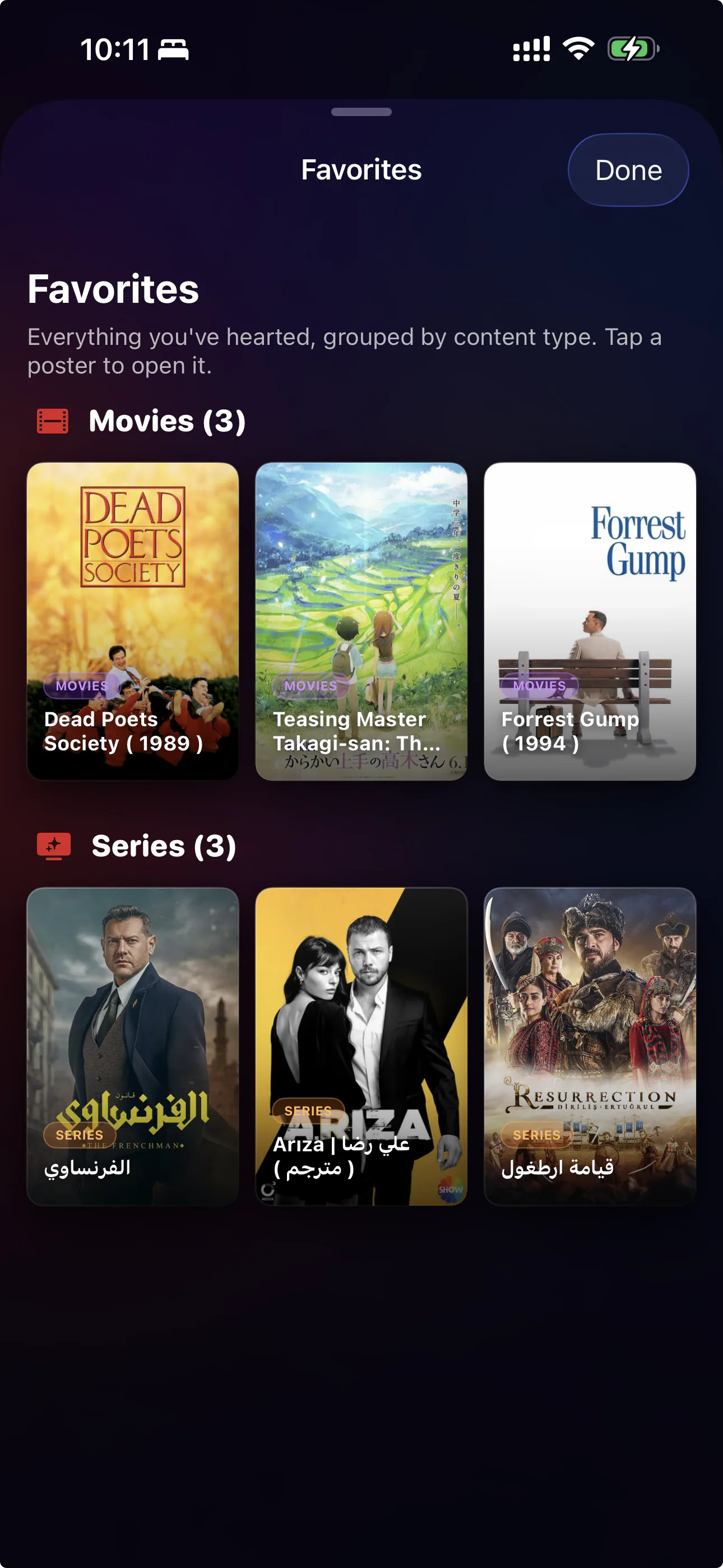
  • Continue Watching syncs across iPhone, iPad, Apple TV, and Mac
  • Favorites and watch history move with your account (Pro)
  • Sign in with Apple — one tap, no passwords
  • Stays local-only on Free; sync activates with Pro
Streamly home on Apple TV showing the Pro cross-device sync banner

Built right. Native everywhere.

Hybrid playback engine

VLC for live TV (handles weird codecs like HEVC-over-TS). Native AVPlayer for everything else. Automatic fallback on failure. You never see "codec not supported."

📱

Native on every screen

Built specifically for iOS, iPadOS, tvOS, and macOS in SwiftUI. Focus-engine first on Apple TV. Pixel-perfect on iPhone. Mouse + keyboard on Mac. No web-app port.

🛡️

Your data, your device

Streamly stores no streams. Your IPTV credentials live in the iOS Keychain. Watch history is local-only on Free; private Firestore sync on Pro. No ads. No tracking.

Pricing

Free or Pro. Your call.

Streamly Free is fully functional. Pro adds sync, downloads, unlimited playlists, and parental locks.

Free
$0
Forever
  • Up to 3 playlists
  • All player features
  • Up to 6 favorites
  • Local watch history
  • AirPlay & Cast
⬇ Download Free
Lifetime
$59.99
One-time payment
  • Everything in Pro
  • All future updates
  • No subscriptions to manage
  • Pay once, use forever
  • Best value if you stay 3+ years
Buy Lifetime

Ready when you are.

Free to download. Pro features when you need them.

Download on the App Store